Tired of mental math while playing 501? Scoring apps for 501 darts revolutionize the game, providing accurate and easy-to-use scorekeeping, stat tracking, and even practice routines. This article explores the best scoring apps available, their features, and how they can improve your darts experience.
⚠️ Still Using Pen & Paper (or a Chalkboard)?! ⚠️
Step into the future! The Dart Counter App handles all the scoring, suggests checkouts, and tracks your stats automatically. It's easier than you think!
Try the Smart Dart Counter App FREE!Ready for an upgrade? Click above!
The Benefits of Using Scoring Apps for 501 Darts
Using a darts scoring app offers numerous advantages compared to traditional manual scoring. Forget the whiteboard and calculator – these apps provide instant score calculations, error reduction, and detailed performance analysis.
- Accuracy: No more miscalculations! Apps automatically calculate remaining scores and suggest optimal checkouts.
- Efficiency: Speed up your game and focus on your throw, not the arithmetic.
- Statistics Tracking: Monitor your averages, checkout percentages, and other key performance indicators to identify areas for improvement. For example, using apps can help you track your progress after learning Basic Darts Fundamentals for Beginners.
- Practice Tools: Some apps offer training modes and games to help you sharpen your skills.
- Multiplayer Support: Easily track scores for multiple players and teams.
Beyond these core benefits, many apps also offer features like custom game settings, handicap options, and the ability to share your stats with friends.

Top Scoring Apps for 501 Darts: A Comprehensive Overview
The market offers a wide range of scoring apps for 501 darts. Here’s a look at some of the most popular and feature-rich options:
DartCounter
DartCounter is a widely respected app with a clean interface and a comprehensive feature set. It’s known for its accurate scoring, detailed statistics, and online multiplayer capabilities. You can even compete against players from around the world!
- Key Features:
- Detailed statistics tracking (averages, checkouts, first 9 darts average, etc.)
- X01, Cricket, and other game variants
- Online multiplayer mode
- Practice routines and training modes
- Customizable settings
- Pros: User-friendly interface, extensive features, online play.
- Cons: Some features require a paid subscription.
My Dart Training
My Dart Training focuses on helping you improve your game through structured practice routines and in-depth analysis. This makes it a great tool to use when making darts fairer with handicap rules, ensuring everyone is progressing appropriately.
- Key Features:
- Personalized training plans based on your skill level
- Detailed performance analysis and feedback
- Practice games and challenges
- Checkout charts and calculators
- Pros: Excellent training tools, personalized feedback.
- Cons: The interface might feel less intuitive than some other apps.
N01 Dart Scorer
N01 Dart Scorer is a simple and straightforward app that’s perfect for beginners or those who prefer a no-frills experience. It provides all the essential scoring functions without overwhelming you with unnecessary features.
- Key Features:
- Easy-to-use scorekeeping
- Checkout suggestions
- Basic statistics tracking
- Pros: Simple and intuitive, free to use.
- Cons: Limited features compared to more advanced apps.

Key Features to Look For in a Darts Scoring App
When choosing a darts scoring app, consider the following features:
- Ease of Use: The app should be intuitive and easy to navigate, even for beginners.
- Accuracy: Accurate score calculation is paramount.
- Statistics Tracking: Look for an app that tracks key metrics like averages, checkout percentages, and high scores.
- Game Variants: Does the app support the games you play (e.g., X01, Cricket)?
- Practice Tools: Does the app offer practice routines, training games, or checkout suggestions?
- Multiplayer Support: Can you track scores for multiple players?
- Customization Options: Can you customize the app’s settings and appearance?
- Platform Compatibility: Ensure the app is compatible with your smartphone or tablet (iOS or Android).
Ultimately, the best app for you will depend on your individual needs and preferences. Take some time to explore different options and find one that fits your playing style.
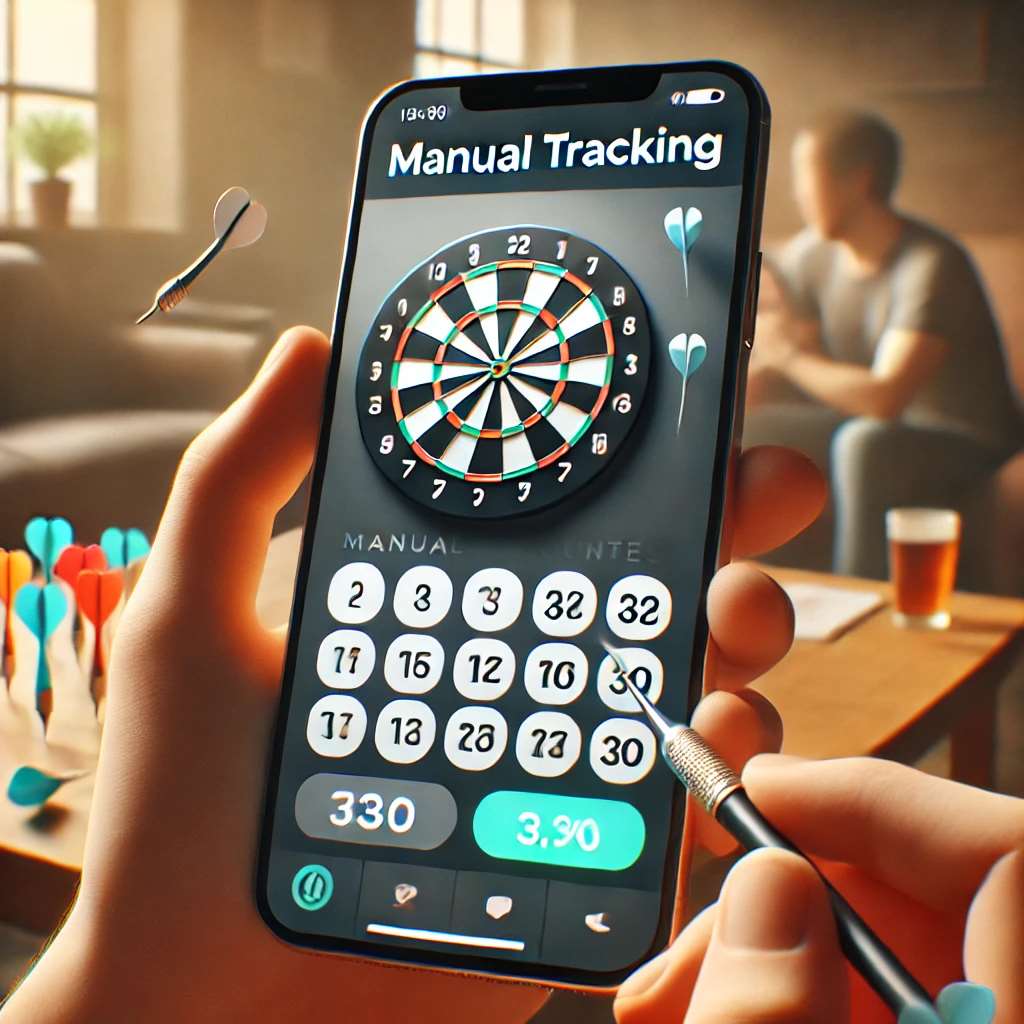
Maximizing Your Darts Experience with a Scoring App
Once you’ve chosen a scoring app for 501 darts, here are some tips to maximize your experience:
- Familiarize Yourself with the Interface: Take some time to explore all the app’s features and settings.
- Track Your Progress: Regularly review your statistics to identify areas for improvement.
- Use the Practice Tools: Take advantage of the app’s training modes and games to sharpen your skills.
- Experiment with Different Settings: Customize the app to suit your playing style.
- Share Your Stats with Friends: Compete with friends and track your progress against each other.
Using these features can dramatically improve your game over time. Many use darts scoring apps to track their progress after adapting darts rules for beginners.
Troubleshooting Common Issues
While darts scoring apps are generally reliable, you may occasionally encounter issues. Here are some common problems and how to troubleshoot them:
- Incorrect Score Calculation: Double-check your inputs and ensure the app is configured correctly.
- App Crashes: Restart the app or your device. If the problem persists, try reinstalling the app.
- Battery Drain: Some apps can consume a lot of battery power. Close the app when you’re not using it.

Beyond 501: Exploring Other Games and Features
While 501 is a classic, many scoring apps for 501 darts offer support for other popular dart games, such as Cricket, Around the World, and Killer. Exploring these different game variants can add variety to your practice and social games. Some apps also offer features like handicap systems, which allow players of different skill levels to compete fairly. You might also be interested in alternative darts rules for home play.
Using Apps for Team Play
Many darts leagues and tournaments utilize team play. Darts scoring apps can simplify the process of tracking scores for multiple players and teams, providing a clear overview of the match progress and individual performance. Look for apps that offer features like team statistics and player-specific tracking.
Conclusion: Elevate Your Dart Game with Technology
Scoring apps for 501 darts are a game-changer for players of all skill levels. They provide accurate scoring, detailed statistics, and valuable practice tools that can help you improve your game and enjoy the sport even more. Whether you’re a casual player or a serious competitor, a darts scoring app is an invaluable addition to your toolkit. So, ditch the whiteboard and embrace the convenience and power of technology to elevate your dart game to the next level. Download a darts scoring app today and start tracking your progress towards becoming a darts master!

Hi, I’m Dieter, and I created Dartcounter (Dartcounterapp.com). My motivation wasn’t being a darts expert – quite the opposite! When I first started playing, I loved the game but found keeping accurate scores and tracking stats difficult and distracting.
I figured I couldn’t be the only one struggling with this. So, I decided to build a solution: an easy-to-use application that everyone, no matter their experience level, could use to manage scoring effortlessly.
My goal for Dartcounter was simple: let the app handle the numbers – the scoring, the averages, the stats, even checkout suggestions – so players could focus purely on their throw and enjoying the game. It began as a way to solve my own beginner’s problem, and I’m thrilled it has grown into a helpful tool for the wider darts community.