Electronic scorer accuracy issues can plague even the most advanced dart setups, leading to frustration and unfair gameplay. Fortunately, most accuracy problems stem from easily identifiable and resolvable causes. This article explores the common culprits behind these errors and provides practical solutions to ensure fair and accurate scoring in your dart games.
⚠️ Still Using Pen & Paper (or a Chalkboard)?! ⚠️
Step into the future! The Dart Counter App handles all the scoring, suggests checkouts, and tracks your stats automatically. It's easier than you think!
Try the Smart Dart Counter App FREE!Ready for an upgrade? Click above!
Understanding Electronic Scorer Accuracy Issues
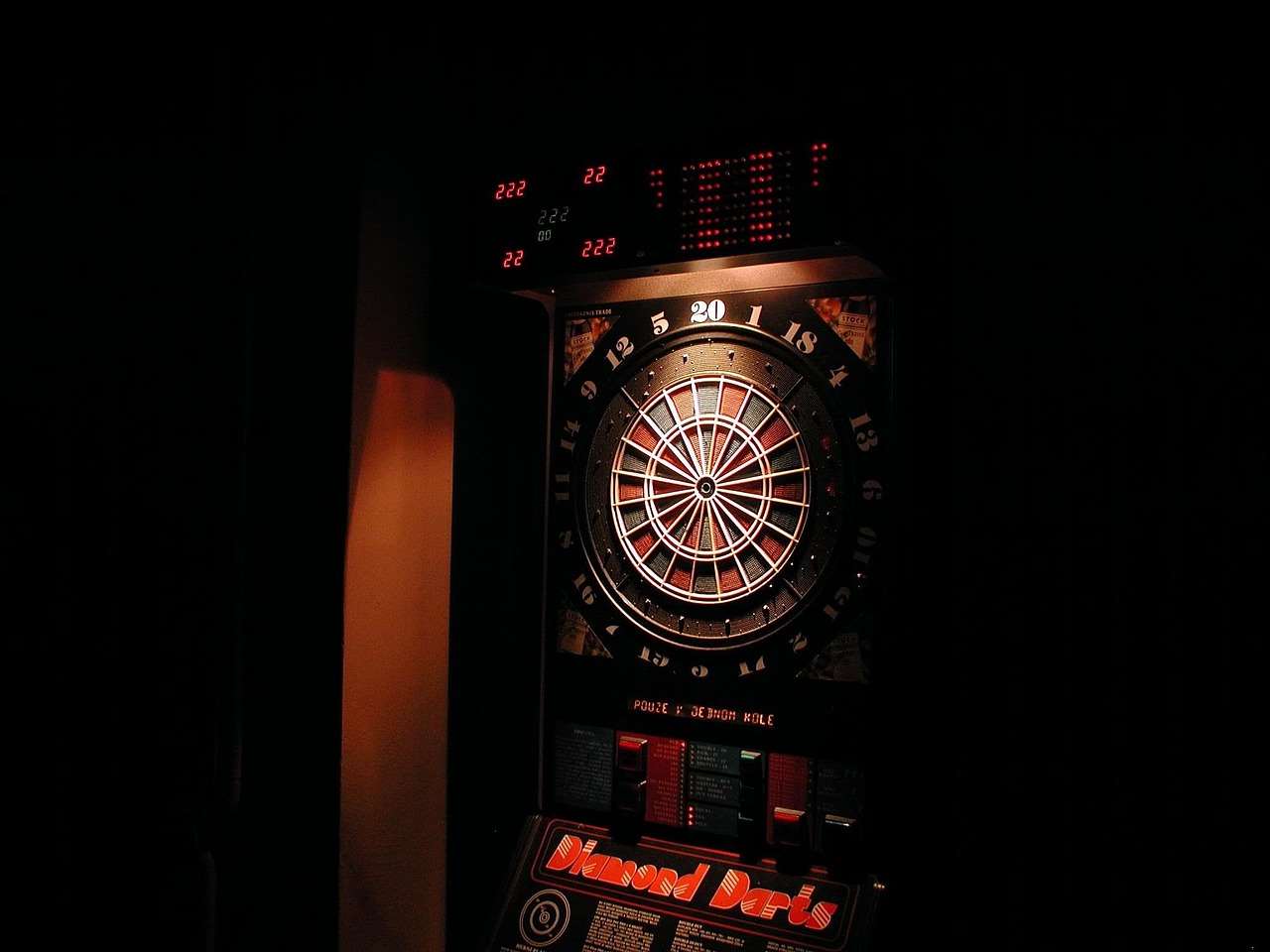
The allure of an electronic scorer is undeniable. They offer convenience, automation, and often, a sleek, modern aesthetic. However, like any technology, they are not immune to errors. Recognizing the source of electronic scorer accuracy issues is the first step to resolving them. These problems can range from simple setup errors to more complex hardware malfunctions.
Common Causes of Inaccurate Scoring
Several factors can contribute to inaccurate scoring on electronic dartboards. Here’s a breakdown of the most prevalent causes:
- Incorrect Segment Settings: The dartboard’s sensitivity settings for each segment might be improperly calibrated. This can lead to registering darts that land near, but not directly in, the intended segment.
- Dart Bounce-Outs: While electronic scorers are designed to minimize misreads, a dart bouncing out quickly can sometimes register a score before the board realizes it wasn’t a valid hit.
- Environmental Factors: Vibrations from nearby equipment (like a washing machine or sound system) can sometimes trigger the sensors, leading to phantom scores.
- Software Glitches: Although less frequent, software bugs or glitches within the electronic scorer’s programming can result in miscalculations or incorrect display of scores.
- Hardware Malfunctions: Damaged sensors, faulty wiring, or a failing circuit board can all lead to inaccurate readings. Over time, normal wear and tear can also contribute to these hardware issues.
- Poor Dart Quality: Darts with bent tips or those that are excessively light may be more prone to bounce-outs and inaccurate readings, especially on boards with higher sensitivity settings.
Troubleshooting Electronic Scorer Inaccuracies
Now that we understand the potential causes, let’s explore troubleshooting steps to address electronic scorer accuracy issues. These solutions range from simple fixes to more involved diagnostic procedures.
Initial Checks and Basic Solutions
Before diving into more complex troubleshooting, start with these basic checks:
- Power Cycle: Unplug the electronic scorer, wait 30 seconds, and plug it back in. This simple step can often resolve minor software glitches.
- Clean the Dartboard: Dust and debris can interfere with the sensors. Use a soft, dry cloth to gently clean the surface of the dartboard. Avoid using liquids, as they can damage the electronic components.
- Check Dart Tips: Ensure your dart tips are in good condition. Replace bent or broken tips immediately. Dull tips can also contribute to bounce-outs. You can also read up on Basic Darts Fundamentals for Beginners to help improve your game.
- Firmware Updates: Check the manufacturer’s website for any available firmware updates for your electronic scorer. Updating the firmware can often resolve known bugs and improve performance.
- Segment Testing: Most electronic scorers have a segment testing mode. Use this mode to individually test each segment of the dartboard and identify any areas that are not registering correctly.
Advanced Troubleshooting Techniques
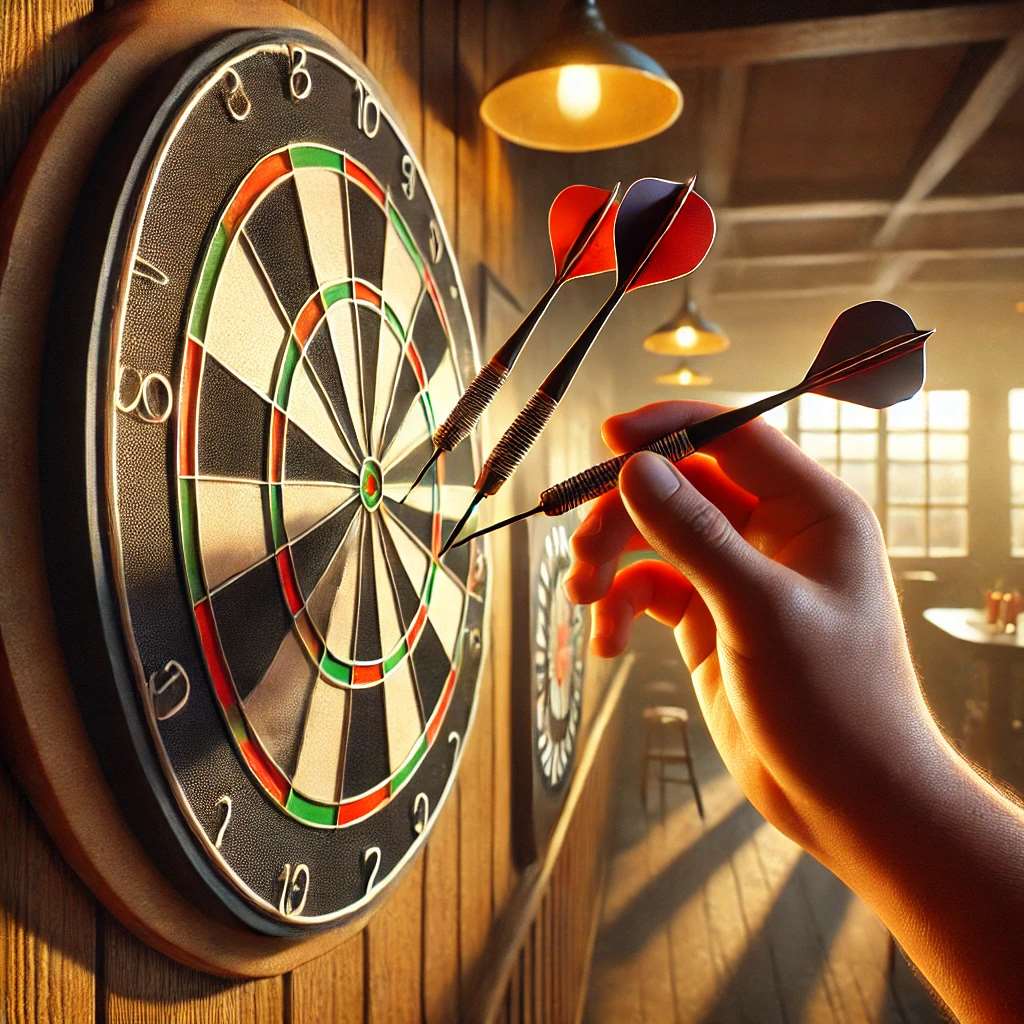
If the basic checks don’t resolve the problem, consider these more advanced techniques:
- Segment Calibration: Consult your electronic scorer’s manual for instructions on how to calibrate the segment sensitivity. Carefully adjust the settings for each segment to ensure accurate registration.
- Dart Weight Adjustment: Experiment with different dart weights. Heavier darts may be less prone to bounce-outs.
- Vibration Dampening: If you suspect vibrations are causing the problem, try placing the dartboard on a vibration-dampening mat or mounting it on a more stable surface.
- Internal Inspection: If you’re comfortable doing so, carefully open the electronic scorer and inspect the internal wiring and sensors for any signs of damage or loose connections. Always disconnect the power supply before opening the device.
- Professional Repair: If you’re unable to identify or resolve the problem yourself, consider taking the electronic scorer to a qualified repair technician.
Preventing Electronic Scorer Accuracy Issues
Prevention is always better than cure. By following these tips, you can minimize the likelihood of encountering electronic scorer accuracy issues in the first place:
- Proper Installation: Mount the dartboard securely on a stable wall, following the manufacturer’s instructions.
- Regular Maintenance: Clean the dartboard regularly and inspect your darts for damage.
- Use Quality Darts: Invest in a set of high-quality darts with durable tips.
- Avoid Extreme Temperatures: Don’t expose the electronic scorer to extreme temperatures or humidity.
- Protect from Dust and Debris: Keep the dartboard covered when not in use to protect it from dust and debris.

The Impact of Environment and Setup
The environment in which your electronic dartboard is placed can significantly impact its accuracy. Factors such as lighting, temperature, and even the type of wall it’s mounted on can play a role. Ensure you have adequate lighting so that the dartboard is well-lit, allowing players to aim effectively and minimizing the chance of accidental hits on adjacent segments. You might also consider how to Adapting darts rules for beginners to make gameplay more accesible.
Lighting and Visibility
Poor lighting can lead to misthrows, which can then be misinterpreted by the electronic scorer. A well-lit board ensures players can accurately target the desired segment. Consider investing in a dedicated dartboard lighting system.
Wall Mounting and Stability
A wobbly or unstable mounting surface can cause vibrations that interfere with the electronic scorer’s sensors. Ensure the dartboard is securely mounted on a solid wall using appropriate hardware.

When to Consider a Replacement
Despite your best efforts, some electronic scorer accuracy issues may be irreparable. If you’ve exhausted all troubleshooting options and the dartboard continues to exhibit significant inaccuracies, it may be time to consider a replacement. Also, if you are new to the game, you can get familiar with Simplified 501 game rules for novice players.
Signs That It’s Time to Replace Your Electronic Scorer
- Frequent and Unexplained Errors: If the dartboard consistently registers incorrect scores despite calibration and maintenance, it’s a sign of a potential hardware problem.
- Damaged Sensors: If multiple segments are not registering correctly, it could indicate damaged sensors.
- Age and Wear: Electronic scorers have a limited lifespan. Over time, the electronic components will degrade, leading to inaccuracies.
- Lack of Support: If the manufacturer no longer provides support or replacement parts for your model, it may be difficult to repair.
Alternatives to Electronic Scorers
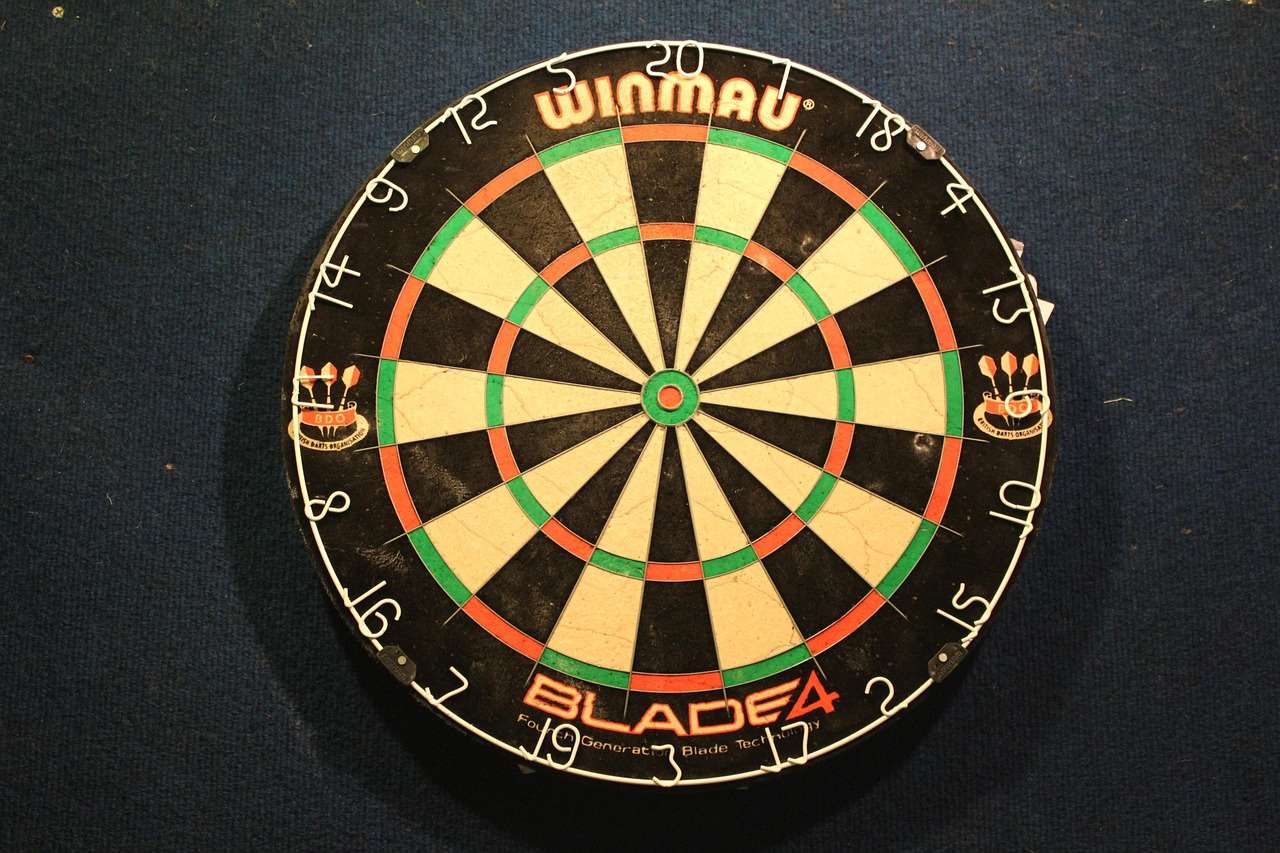
While electronic scorers offer convenience, they aren’t the only option. Traditional cork dartboards with manual scoring are still a viable alternative. They require more manual effort but are generally more reliable and less prone to electronic malfunctions. Plus you can learn about Fun dart game variations with modified rules.
Manual Scoring Methods
Manual scoring involves keeping track of scores using a whiteboard, chalkboard, or even a piece of paper. While it requires more effort, it eliminates the risk of electronic errors. You can even implement How to make darts fairer with handicap rules with ease.
Conclusion: Ensuring Fair Play
Electronic scorer accuracy issues can be frustrating, but by understanding the common causes and implementing the troubleshooting tips outlined in this article, you can significantly improve the reliability of your dart games. Remember to regularly maintain your equipment, calibrate the settings as needed, and be aware of environmental factors that can affect accuracy. If all else fails, don’t hesitate to consider a replacement or explore the benefits of traditional manual scoring. By taking these steps, you can ensure fair and enjoyable gameplay for everyone involved. Investigate your setup today to minimize future problems!

Hi, I’m Dieter, and I created Dartcounter (Dartcounterapp.com). My motivation wasn’t being a darts expert – quite the opposite! When I first started playing, I loved the game but found keeping accurate scores and tracking stats difficult and distracting.
I figured I couldn’t be the only one struggling with this. So, I decided to build a solution: an easy-to-use application that everyone, no matter their experience level, could use to manage scoring effortlessly.
My goal for Dartcounter was simple: let the app handle the numbers – the scoring, the averages, the stats, even checkout suggestions – so players could focus purely on their throw and enjoying the game. It began as a way to solve my own beginner’s problem, and I’m thrilled it has grown into a helpful tool for the wider darts community.