Enhance your game room experience instantly! Understanding and customizing **Electronic Dartboard Sounds Effects** can dramatically improve the fun and immersion of your darts games. This article will explore the variety of available sounds, how to adjust them, and tips for creating the perfect sonic atmosphere for your dart playing sessions.
⚠️ Still Using Pen & Paper (or a Chalkboard)?! ⚠️
Step into the future! The Dart Counter App handles all the scoring, suggests checkouts, and tracks your stats automatically. It's easier than you think!
Try the Smart Dart Counter App FREE!Ready for an upgrade? Click above!
Understanding Electronic Dartboard Sounds Effects
One of the most appealing features of an electronic dartboard is its ability to provide instant feedback through sound. These aren’t just random noises; they’re carefully chosen to enhance the gameplay experience. From the satisfying ‘thud’ of a dart hitting the board to the triumphant fanfare of a bullseye, electronic dartboard sounds effects play a crucial role in keeping players engaged.
The range of sounds typically includes:
- Dart impact sounds
- Scoring announcements (e.g., “Double 20!”)
- Game start and end signals
- Bullseye celebrations
- Sound effects for specific game types (e.g., Cricket, 301)
- Volume control options
Modern boards often offer customizable sound settings, allowing you to tailor the audio experience to your preferences. This might involve selecting different sound themes, adjusting individual volume levels, or even muting certain sounds altogether.
Customizing Your Dartboard’s Audio Experience
Personalizing your electronic dartboard sounds effects allows you to create the perfect atmosphere for your games. Most electronic dartboards offer a range of settings that you can adjust. Here’s how to get started:
Accessing the Sound Settings Menu
The first step is to locate the sound settings menu on your dartboard. The specific steps vary depending on the model, but generally, you’ll need to:
- Consult your dartboard’s manual: This is the most reliable source of information for your specific model.
- Look for a “Settings” or “Options” button: This might be on the dartboard itself or on a remote control.
- Navigate the menu using the buttons provided: You should find a section dedicated to sound settings.
Adjusting Volume Levels
One of the most basic customizations is adjusting the volume. You can usually control the overall volume, as well as individual sound effect volumes. This is useful if you find some sounds too loud or quiet.
Selecting Different Sound Themes
Some electronic dartboards come with pre-set sound themes. These themes change the style of the dart impact sounds, scoring announcements, and other audio cues. Experimenting with different themes can significantly alter the feel of your games.
Muting Specific Sounds
If there are certain sound effects that you find annoying or distracting, you can usually mute them individually. For example, you might want to mute the bullseye celebration sound if you find it repetitive. You can also read further about the Choose Best Dart Equipment for the best experience.
By carefully adjusting these settings, you can create a personalized audio experience that enhances your enjoyment of the game.
Troubleshooting Common Sound Issues
Like any electronic device, electronic dartboards can sometimes experience sound-related issues. Here are some common problems and how to troubleshoot them:
No Sound at All
If your dartboard isn’t producing any sound, start with these basic checks:
- Check the volume level: Make sure the volume isn’t set to zero or muted.
- Check the power connection: Ensure the dartboard is properly plugged in and powered on.
- Check the speaker connection: If your dartboard has external speakers, make sure they’re properly connected.
- Consult the user manual: There might be a specific troubleshooting section for sound issues.
Distorted or Crackling Sound
Distorted or crackling sound can be caused by a variety of factors:
- Loose speaker connections: Check the speaker cables for any damage or loose connections.
- Low battery: If your dartboard is battery-powered, try replacing the batteries.
- Internal damage: If the problem persists, there might be internal damage to the dartboard’s sound system.
Specific Sounds Not Working
If only certain sounds aren’t working, it could be a software or hardware issue:
- Check the sound settings: Make sure the specific sounds aren’t muted or disabled.
- Reset the dartboard: Some dartboards have a reset function that can resolve minor software glitches.
The Psychological Impact of Sounds in Dart Games
It may seem trivial, but the electronic dartboard sounds effects contribute significantly to the overall psychological experience of playing darts. Different sounds can evoke different emotions, influencing focus, excitement, and even performance. Let’s look at how the specific sounds can alter mood and motivation.
Positive Reinforcement
A satisfying “thud” when a dart hits the target provides immediate positive reinforcement. It confirms that your throw was successful and encourages you to repeat the action. Similarly, celebratory sounds for bullseyes and high scores can boost your confidence and motivation.
Building Tension
Strategic use of sound can also build tension during the game. For example, a countdown timer with escalating sound effects can increase the pressure as you approach the end of a round. This can add excitement and challenge to the gameplay.
Creating a Social Atmosphere
Sound effects can also contribute to the social atmosphere of a dart game. Upbeat music and humorous sound effects can create a fun and relaxed environment, making the game more enjoyable for everyone involved.
Consider the sound of a buzzer when a player misses the board entirely; such a sound will certainly create a spirit of fun and playful competition in a friendly setting.
Sound is a critical component. Thinking about the psychological impact is worth it.
Exploring Sound Options Beyond Built-In Effects
While most electronic dartboards come with a variety of built-in electronic dartboard sounds effects, you can also explore other audio options to further customize your experience. Here are a few ideas:
External Speakers
Connecting external speakers to your dartboard can significantly improve the sound quality and volume. This is especially useful if you’re playing in a larger room or if you want a more immersive audio experience. Consider investing in a small soundbar or a pair of bookshelf speakers for enhanced audio.
Custom Sound Files
Some advanced dartboards allow you to upload custom sound files. This opens up a world of possibilities, allowing you to use your own recordings, music, or sound effects. Imagine replacing the standard bullseye celebration sound with your favorite song or a personalized message. Keep in mind factors like What Makes Darts Premium Quality for your equipment and experience.
Sound Apps and Background Music
You can also use sound apps or play background music on your phone or computer while you play darts. This can help create a specific atmosphere or mood. For example, you might play upbeat music during casual games or suspenseful music during competitive matches.
Integrating Voice Control and Smart Home Features
The integration of voice control and smart home features is slowly making its way into the world of electronic dartboards. Imagine controlling your dartboard’s sound settings with voice commands or integrating the dartboard with your smart home system for automated lighting and sound effects. This technology is still in its early stages, but it has the potential to revolutionize the way we play darts.
Voice Control
Voice control allows you to adjust the volume, change sound themes, or even start and stop games using voice commands. This can be especially useful if you’re playing with friends and want to quickly adjust the settings without interrupting the game.
Smart Home Integration
Smart home integration allows you to connect your dartboard to other smart devices in your home. For example, you could set up the lights to dim automatically when a game starts or have the sound system play celebratory music when someone hits a bullseye.
The Future of Electronic Dartboard Sounds Effects
The technology behind electronic dartboard sounds effects is constantly evolving. We can expect to see even more advanced and customizable sound options in the future, along with greater integration with voice control and smart home technology. Consider the Budget vs Premium Darts Compared and how this extends to dartboards.
AI-Powered Sound Effects
AI could be used to generate sound effects that are tailored to your individual playing style. For example, the dartboard could analyze your throws and create custom sound effects that provide personalized feedback.
Immersive Audio Experiences
Future dartboards could incorporate surround sound technology to create a more immersive audio experience. This could involve using multiple speakers to simulate the sound of a real dart tournament or creating a personalized soundscape that responds to your actions in the game.
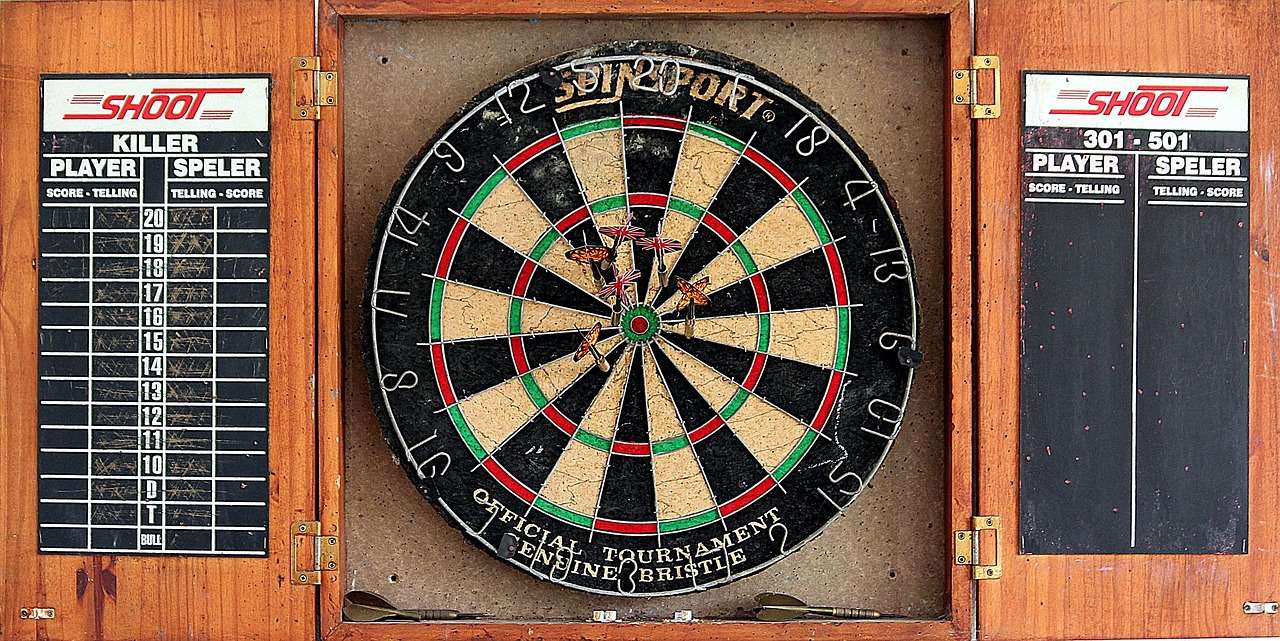
By understanding and customizing your dartboard’s audio settings, you can create a more enjoyable and engaging experience for yourself and your friends. Consider how the subtle changes of electronic dartboard sounds effects can significantly affect the players’ experience. From tweaking the volume to exploring advanced sound options, take the time to personalize your game room setup.
Conclusion
Mastering the art of **electronic dartboard sounds effects** unlocks a new dimension of enjoyment in your dart games. By understanding the range of available sounds, customizing them to your preference, and troubleshooting common issues, you can create an immersive and engaging experience for yourself and your friends. Experiment with different sound themes, adjust individual volume levels, and even explore external audio options to find the perfect sonic atmosphere for your dart playing sessions. Now that you understand the power of sounds, take action and transform your dartboard into a source of endless fun and entertainment. Check out Finding Value Budget Dart Sets to complete your setup!

Hi, I’m Dieter, and I created Dartcounter (Dartcounterapp.com). My motivation wasn’t being a darts expert – quite the opposite! When I first started playing, I loved the game but found keeping accurate scores and tracking stats difficult and distracting.
I figured I couldn’t be the only one struggling with this. So, I decided to build a solution: an easy-to-use application that everyone, no matter their experience level, could use to manage scoring effortlessly.
My goal for Dartcounter was simple: let the app handle the numbers – the scoring, the averages, the stats, even checkout suggestions – so players could focus purely on their throw and enjoying the game. It began as a way to solve my own beginner’s problem, and I’m thrilled it has grown into a helpful tool for the wider darts community.